 |
EVC - Clavius and Beyond |
Oldie but goldie... This is the home of Clavius and Beyond, a plug-in for Ambrosia Escape Velocity.
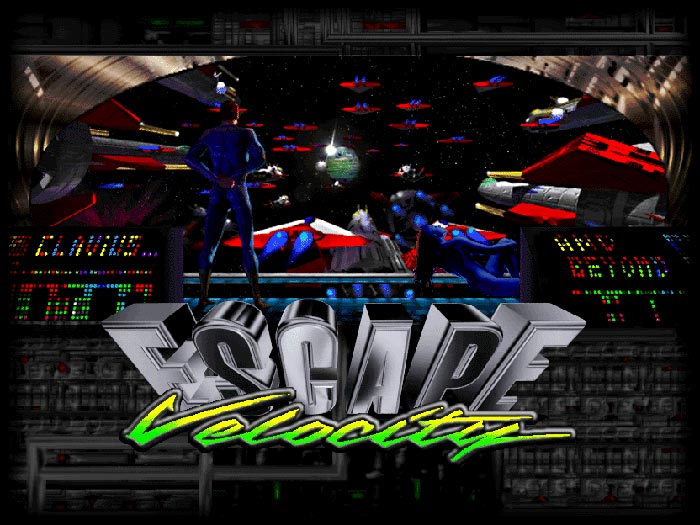
With EV Classic for Nova, you can play Escape Velocity running through the Nova engine on recent Mac OS X and Windows.
The registration server for these games is long gone, so these downloads include a cracked Nova binary.
It mainly adds:
It also adds Maskirovka Station — headquarters of the famous Maskirovka company — where you can purchase new ships. Maskirovka Station is located in the Levo system. Just land there and visit the shipyard and outfit section.
Fight against a pro-Confed extremist movement and use new weapons, beat off an alien invasion, discover a ancient civilization... Land on Clavius Station, and depending on your combat skills, you will be able to pilot the famous Neutronic Kestrel Interceptor, a sleek, fast and powerful vessel. Clavius Station is located two jumps below the Sirgil system. Just go there and the adventure will start.


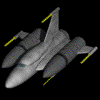
 Enjoy... hit hard and good luck!
In the same way, it is strongly recommended to use a dedicated Pilot file to play plug-ins.
If first mission "Welcome to Clavius" is not available on any in-game planet, install included Clavius Cleaner plug-in, and complete the special mission available on any planet.
With EV Classic for Nova, you can play Escape Velocity running through the Nova engine on recent Mac OS X and Windows.
The registration server for these games is long gone, so these downloads include a cracked Nova binary.
Clavius and Beyond
This Escape Velocity plug-in doesn't replace the standard EV universe, it just extends the galaxy. It is designed as an end-game plug-in, so, depending of your skill, you will need a strong ship to complete Clavius' missions.It mainly adds:
- 6 governments
- 9 systems
- 16 ships (with new graphics)
- 25 outfits (with sounds and new graphics also)
- 68 missions
- ... and much more!
It also adds Maskirovka Station — headquarters of the famous Maskirovka company — where you can purchase new ships. Maskirovka Station is located in the Levo system. Just land there and visit the shipyard and outfit section.
Fight against a pro-Confed extremist movement and use new weapons, beat off an alien invasion, discover a ancient civilization... Land on Clavius Station, and depending on your combat skills, you will be able to pilot the famous Neutronic Kestrel Interceptor, a sleek, fast and powerful vessel. Clavius Station is located two jumps below the Sirgil system. Just go there and the adventure will start.
...
Clavius downloads
Clavius And Beyond 3.80 is based on 3.50 version, ported to EV Classic for Nova by Chris, with SpacePort software. It contains lots of minor changes and fixes in order to look like the original 3.33 release best.
- Clavius And Beyond 3.80 for EVClassic Nova - recent MacOSX and Windows
- Clavius And Beyond 3.34 for EV - Mac OS9 (sit)
- Clavius And Beyond 3.34 for EV - Mac OS9 (sit.hqx)
Warning
Clavius And Beyond should NOT be compatible with other plug-ins, so it’s highly recommended to remove any other plug-ins.In the same way, it is strongly recommended to use a dedicated Pilot file to play plug-ins.
If first mission "Welcome to Clavius" is not available on any in-game planet, install included Clavius Cleaner plug-in, and complete the special mission available on any planet.
EV stuff
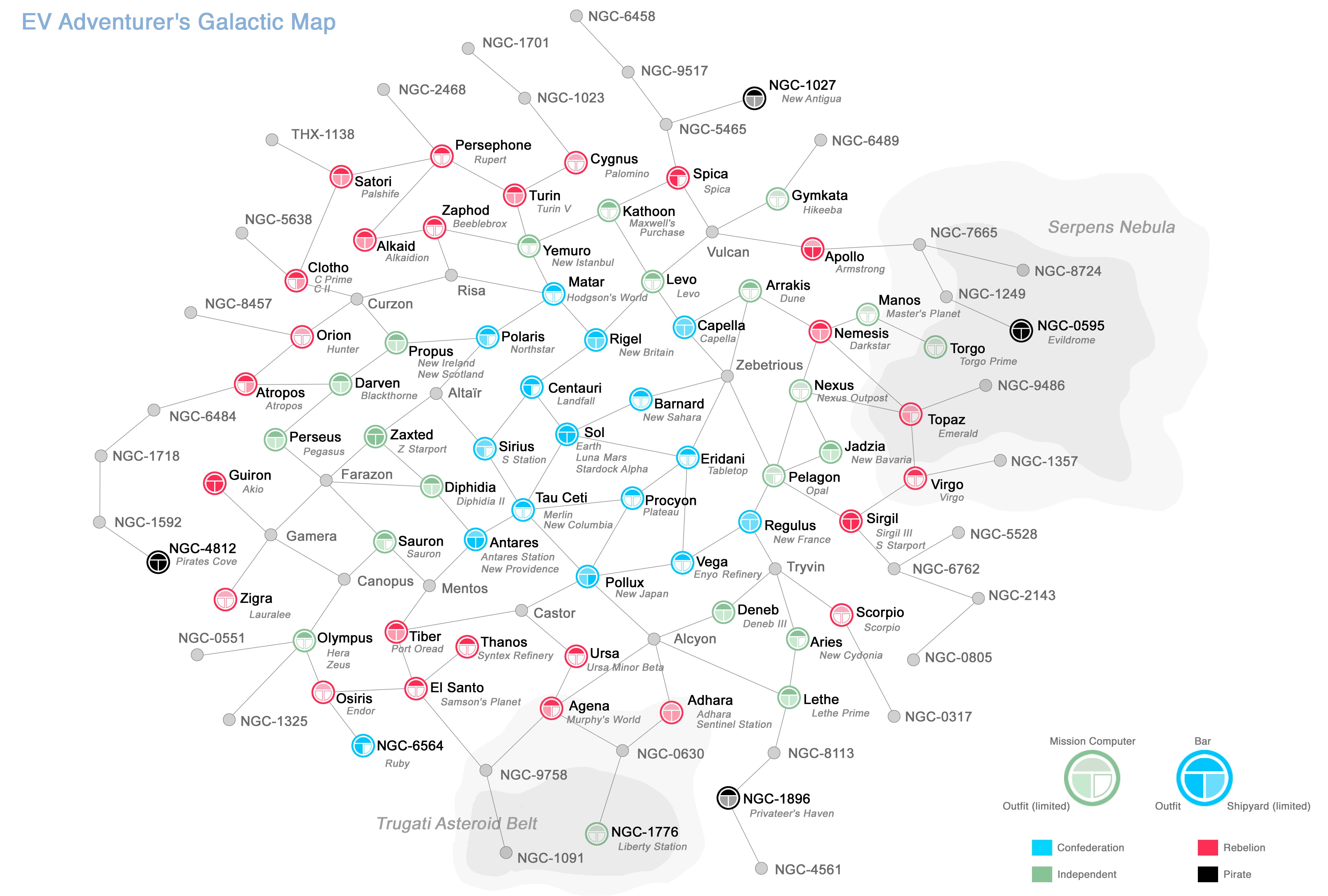
- EVC Map - A3: map of the original Escape Velocity universe focused on governments, outfit services and shipyards - A3 format.
- EV MissionHelper 0.92: a read-only analysis tool for Escape Velocity Classic and Nova .rez files. It does not edit or modify the game data. Instead, it provides an overview of the missions and their relationships, making it easier to understand mission prerequisites, progression, branches, bit changes, ships, outfits, and systems involved.
Playing EV Classic with recent OS
1. MacOS: Install WineNova - from The Ambrosia Garden - which allows the Windows version of EV Nova to run on modern macOS, including Apple Silicon. It is recommended to launch WineNova while holding the Option key the first time, and to change the 2X Mode hotkey if necessary.
Windows: Install EV Nova Community Edition from andrews05's GitHub repository.
Windows: Install EV Nova Community Edition from andrews05's GitHub repository.
2. Install EV Classic for Nova - which allows EV Classic to run on the Nova engine (Mac and Windows) - provided by andrews05.
3. Run the included .nplay file.
Useful EV links